
Professional Certifications
Licensed Civil Engineer
ASEAN Engineer
Project Management Professional (PMP®) – Project Management Institute
Scheduling Professional (PMI-SP®) – Project Management Institute
Certified Cost Professional (CCP®) – AACE International
Education
Master in Business Administration (MBA) from Philippine Christian University
Master in Construction Management from Technological Institute of the Philippines
Our Resource Person is a seasoned Project Management Professional (PMP®) with over 20 years of extensive hands-on experience in project management, planning, scheduling, and cost control across complex, high-value projects. His career spans the full project life cycle—from initiation and planning to execution, monitoring and control, and closeout—with a strong focus on value delivery, governance, and performance management.
He has been directly involved in multimillion-dollar multi-national company projects, applying globally recognized project management practices grounded in the PMBOK® framework and international best practices. His expertise bridges theory and real-world execution, making complex project management concepts practical, actionable, and relevant across industries.
Currently, our Resource Person serves as a Senior Planning Manager for a AAAA contractor in Manila, Philippines, supporting major government infrastructure projects such as the NLEX–SLEX Connector Road Project, North–South Commuter Railway (NSCR) Project, and C5 South Link Expressway Project. His role involves integrating planning, scheduling, cost control, risk management, and stakeholder coordination to ensure successful project delivery.
A long-time expert user of Primavera P6, our speaker has been utilizing Primavera since 2000 (starting with P3) for developing, managing, and controlling complex project schedules. As a PMP®, PMI-SP®, and CCP®, he brings a unique, integrated perspective on time, cost, risk, and value management, fully aligned with the principles-based approach of PMBOK® 7th Edition.
As a trainer and resource person, he is known for delivering highly practical, industry-tested insights, enriched with real project examples from construction, infrastructure, oil & gas, and public sector projects, enabling participants to confidently apply modern project management practices in their own organizations.
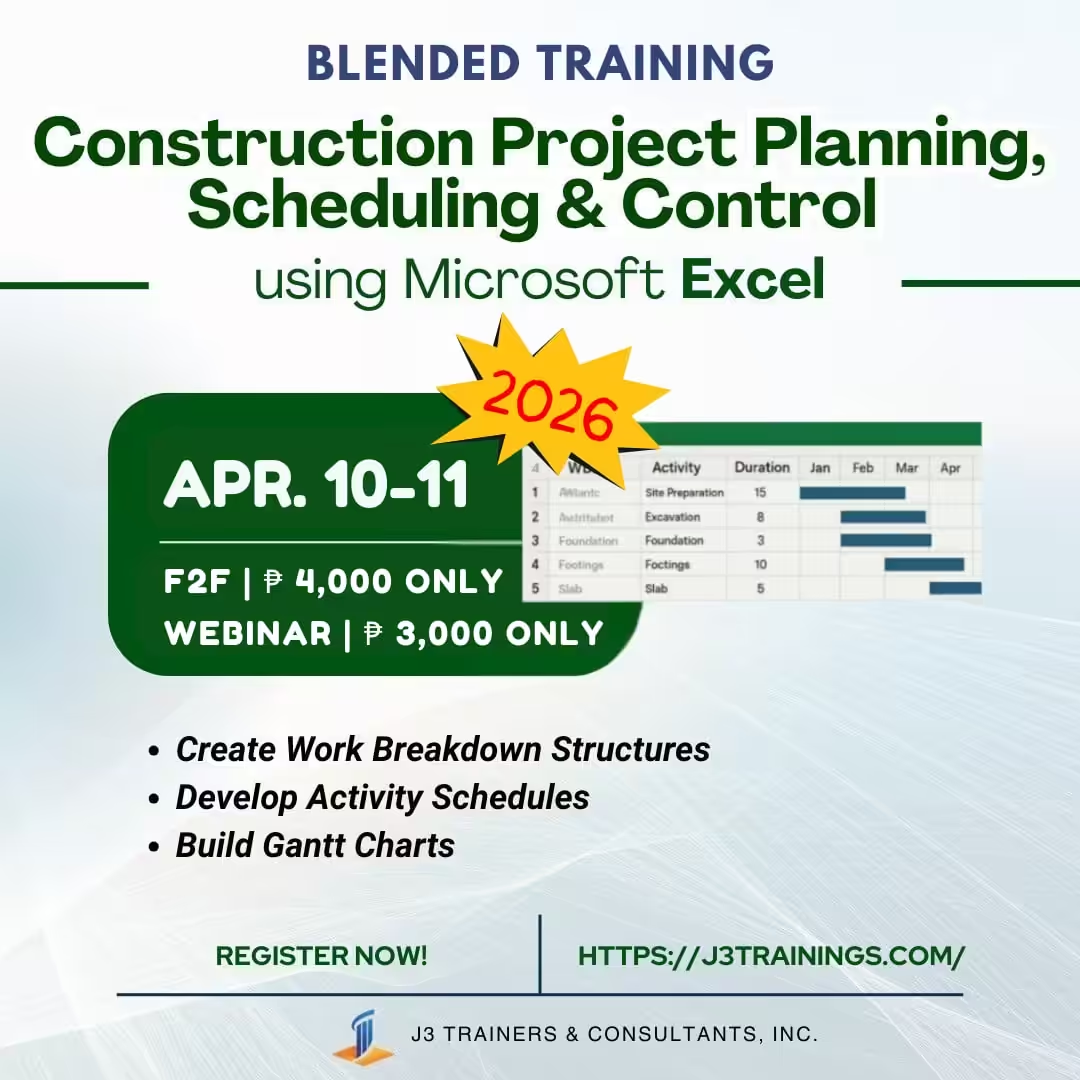
Construction Project Planning, Scheduling and Control using MS Excel
This one (1) day course is designed for construction professionals, engineers, project managers, and students who want to master project planning and monitoring without relying on expensive software like Primavera P6 or MS Project.
This course walks participants step-by-step through the process of creating a Work Breakdown Structure (WBS), developing activity schedules, generating automated Gantt charts, and tracking project progress. It also introduces advanced but practical tools such as manpower loading, cost management, and S-Curve analysis (Planned vs. Actual).
By the end of the course, learners will be able to build a complete Excel-based project control system for real construction projects — useful for progress reporting, monitoring, and decision-making.
After the training, the participants should be able to:
Course Duration: 1 day @ 8 hours per day
Course Outline
Introduction to Planning & Scheduling in Construction
Quick Review of Project Schedule Management based on PMBOK
Creating the Work Breakdown Structure (WBS)
Developing the Activity Schedule
Creating a Gantt Chart in Excel
Progress Tracking & Updating
Reporting & Exporting
Manpower Loading in Excel
Cost & Budget Loading in Excel
Workshops
