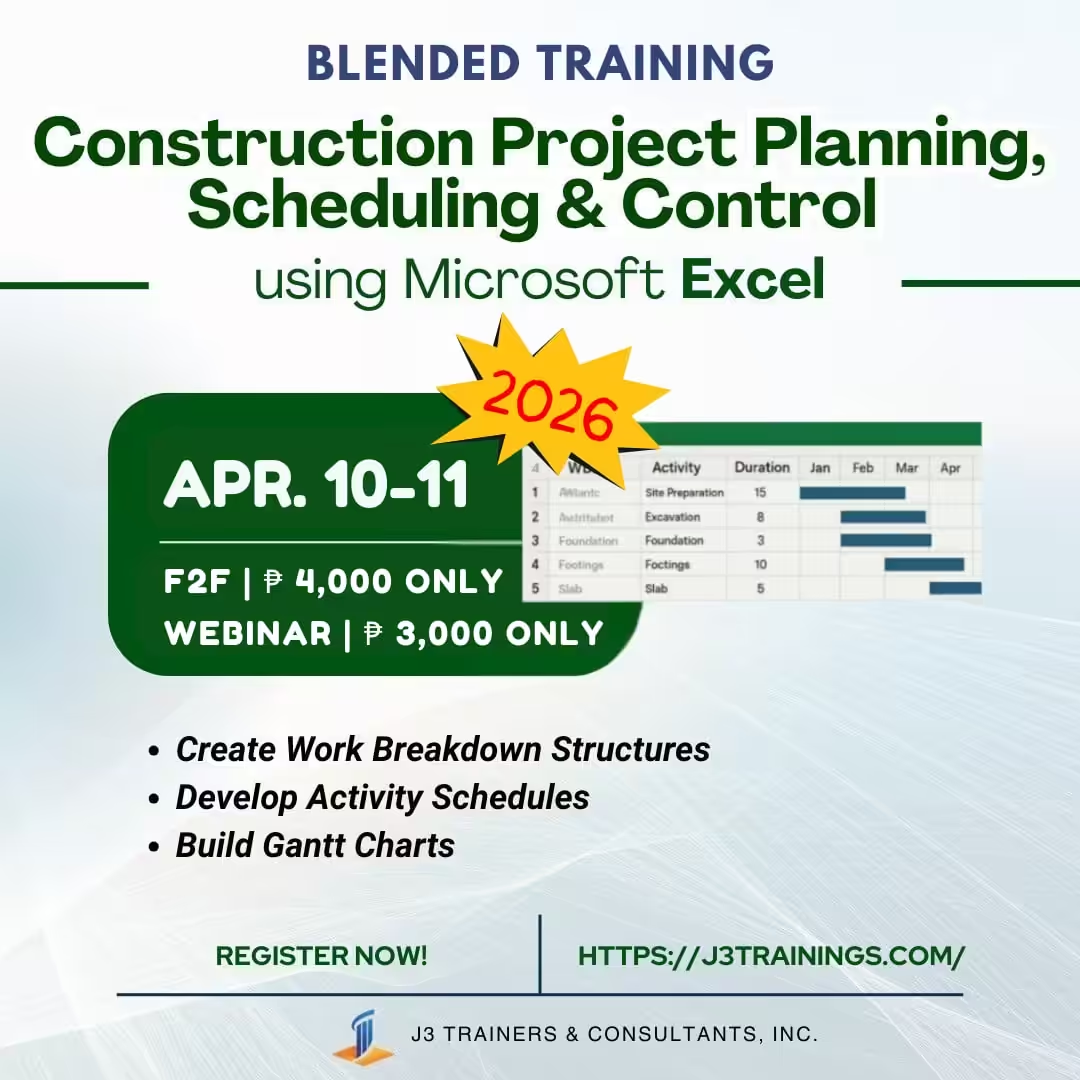
Construction Project Planning, Scheduling and Control using MS Excel
This one (1) day course is designed for construction professionals, engineers, project managers, and students who want to master project planning and monitoring without relying on expensive software like Primavera P6 or MS Project.
This course walks participants step-by-step through the process of creating a Work Breakdown Structure (WBS), developing activity schedules, generating automated Gantt charts, and tracking project progress. It also introduces advanced but practical tools such as manpower loading, cost management, and S-Curve analysis (Planned vs. Actual).
By the end of the course, learners will be able to build a complete Excel-based project control system for real construction projects — useful for progress reporting, monitoring, and decision-making.
After the training, the participants should be able to:
- Understand the fundamentals of project planning, scheduling, and control in the construction industry.
- Develop a Work Breakdown Structure (WBS) and activity list for construction projects.
- Build automated Gantt charts in Excel to visualize project schedules.
- Track and update progress using % complete and actual vs. planned data.
- Prepare manpower loading charts to manage workforce demand effectively.
- Apply cost management techniques in Excel using Planned Value (PV), Earned Value (EV), and Actual Cost (AC).
- Generate and interpret Progress S-Curves (Planned vs. Actual) for reporting and control.
- Produce professional one-page progress reports ready for submission to clients or management.
- Integrate all tools into a complete Excel-based monitoring system for a sample construction project.
Course Duration: 1 day @ 8 hours per day
Course Outline
Introduction to Planning & Scheduling in Construction
- Planning vs. Scheduling: difference and importance
- Why Excel is still widely used in construction projects
- Key terms: Activity, Duration, Dependencies, Critical Path
Quick Review of Project Schedule Management based on PMBOK
- Plan Schedule Management
- Define Activities
- Sequence Activities
- Estimate Activity Resources
- Estimate Duration
- Develop Schedule
- Control Schedule
Creating the Work Breakdown Structure (WBS)
- WBS hierarchy and numbering system
- Linking WBS to cost and resource codes
Developing the Activity Schedule
- Listing activities with durations
- Logical sequence of works
- Adding start/finish dates
- Constraints and float basics
Creating a Gantt Chart in Excel
- Manual vs. automated Gantt charts
- Conditional formatting for schedules
- Adding milestones and dependencies
Progress Tracking & Updating
- Adding % complete per activity
- Comparing Actual vs. Planned
- Highlighting delayed tasks
Reporting & Exporting
- Formatting schedules for management reports
- Creating one-page schedule summaries
- Exporting Gantt charts & tables to PDF
Manpower Loading in Excel
- Estimating manpower per activity
- Building a manpower histogram
- Resource leveling basics
Cost & Budget Loading in Excel
- Assigning Costs to Activities
- Distributing Costs Over Time
- Creating a Cost Loading Chart
- Interpreting the Chart
- Creating Project Dashboard
Workshops
- Workshop-1: Creating Project, Adding Activities, Relationships
- Workshop-2: Adding Resources
- Workshop-3: Progress Reporting